Enhancing Your KNN Search UI with Faceting: A Follow-Up Guide
Build Hybrid Search with ReactiveSearch UI Kit and Elasticsearch 8.17

1. Introduction
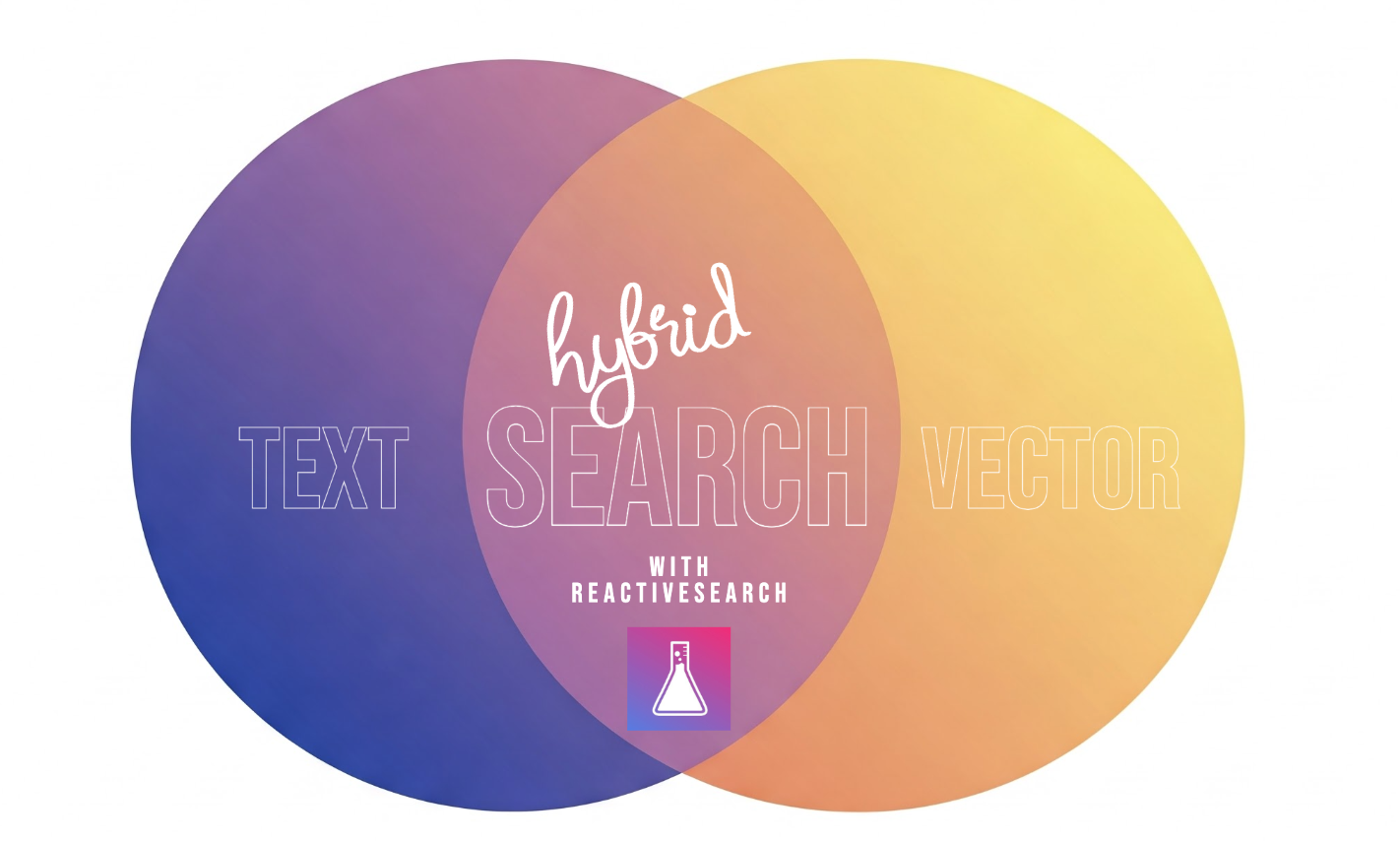
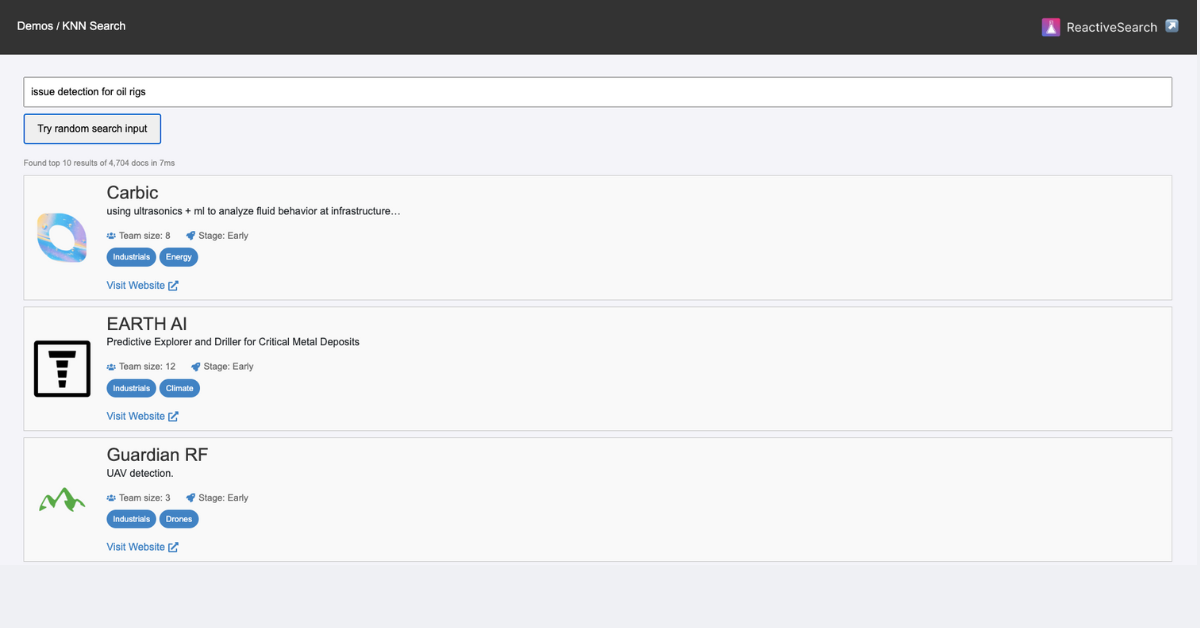
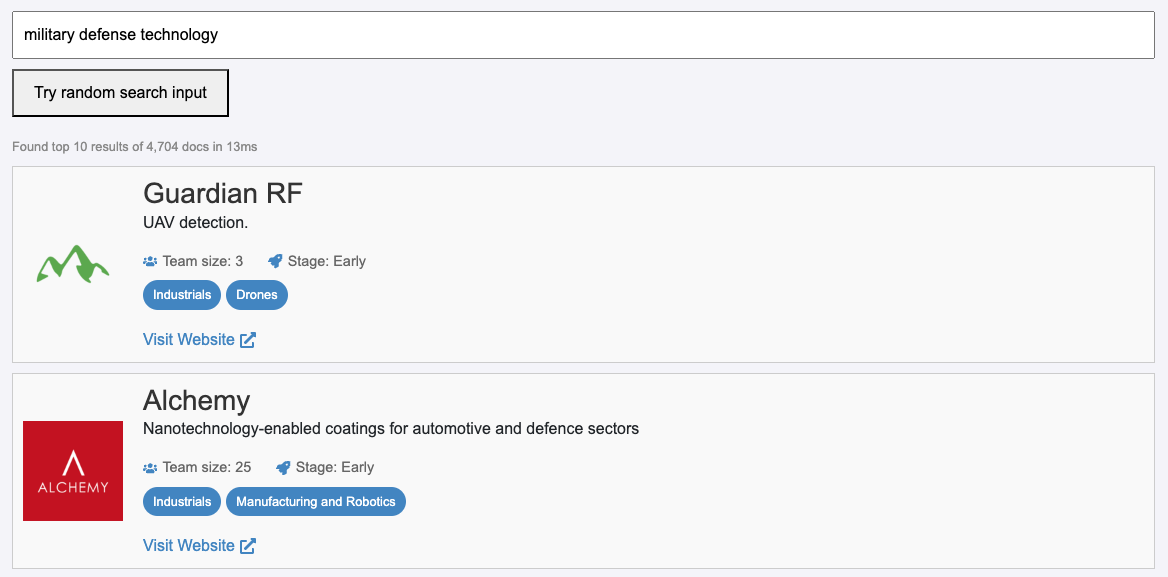
In our previous post, we explored how vector (KNN) search lets you search for what you mean rather than what you type. In this post, we’re taking it one step further by integrating faceting capabilities into our search UI. By combining semantic search with faceting, users can filter results (for example, by industry) and get even more precise matches.
Note: With ReactiveSearch UI, you can now seamlessly integrate vector search capabilities with most of your UI components. This hybrid search approach merges vector search with traditional keyword search techniques to deliver contextual, precise results across all of your data in any modality, with less effort.
Try out the live demo: Knn search with faceting demo
2. Why Faceting Matters
- Refined Results: Facets let users quickly narrow down search outputs by specific categories.
- Enhanced Usability: Merging semantic search with traditional filters creates a more intuitive experience.
- Hybrid Search: This approach combines vector search for contextual understanding with faceting for categorical filtering.
Under the hood, ReactiveSearch leverages the Approximate kNN query DSL in Elasticsearch and OpenSearch, applying faceting during the kNN search phase to deliver precise, context-aware results.
3. Setting Up the Environment
Before diving in, ensure that you:
- Set up a ReactiveSearch cluster using ReactiveSearch Cloud (compatible with both Elasticsearch and OpenSearch).
- Index your vector dataset. You can use this indexing utility to help get started.
- Install the necessary dependencies:
@appbaseio/reactivesearch(for building the search UI)@emotion/styled(for styling components)react-icons(for adding iconography)
Note:
- Vector Field Mapping: Configure the field used for vector indexing and searching as a
dense_vectorin your Elasticsearch index mapping. If you're using the index utility provided by Elasticsearch, it will configure this for you.
4. Building the Faceted KNN Search UI
ReactiveBase and SearchBox
We start by wrapping our UI with ReactiveBase to connect to the search cluster and add a SearchBox for capturing semantic queries.
<ReactiveBase
  app="yc-companies-dataset"
  url="https://appbase-demo-ansible-abxiydt-arc.searchbase.io"
  credentials="a03a1cb71321:75b6603d-9456-4a5a-af6b-a487b309eb61"
  transformRequest={(request) => {
    // Custom query transformation logic
  }}
>
  <Container>
    <h2>K-Nearest Neighbors Search with Facets</h2>
    <SearchBox
      componentId="search"
      dataField={["name", "one_liner"]}
      placeholder="Semantic search for startup companies"
      autosuggest={false}
      style={{ marginBottom: "1rem" }}
      URLParams
    />
    {/* Additional layout components go here */}
  </Container>
</ReactiveBase>
Faceting with MultiList
Next, add a MultiList component that enables filtering by industries. It is configured to react to the search input.
<FacetContainer>
  <MultiList
    componentId="industries"
    dataField="industries.keyword"
    title="Industries"
    placeholder="Filter by industries"
    showSearch={false}
    react={{ and: ["search"] }}
    style={{ marginBottom: "1rem" }}
  />
</FacetContainer>
Displaying Results with ReactiveList
The ReactiveList component renders our search results. Each result displays company details like logo, name, description, team size, stage, industry tags, and a website link.
<ResultsContainer>
  <ReactiveList
    componentId="results"
    vectorDataField="vector_data"
    dataField="_score"
    size={20}
    pagination={false}
    react={{ and: ["search", "industries"] }}
    includeFields={[
      "name",
      "one_liner",
      "long_description",
      "team_size",
      "stage",
      "industries",
      "website",
      "small_logo_thumb_url",
    ]}
    render={({ data }) => (
      <>
        {data.map((item) => {
          const company = item._source || item;
          return (
            <ResultItem key={company._id}>
              <Logo
                src={company.small_logo_thumb_url}
                alt={`${company.name} logo`}
              />
              <Info>
                <CompanyName>{company.name}</CompanyName>
                <OneLiner>
                  {company.one_liner || company.long_description}
                </OneLiner>
                <Meta>
                  <span>
                    <FaUsers /> {company.team_size}
                  </span>
                  <span>
                    <FaBuilding /> {company.stage}
                  </span>
                </Meta>
                <Tags>
                  {company.industries &&
                    company.industries.map((ind) => (
                      <Tag key={ind}>{ind}</Tag>
                    ))}
                </Tags>
                <Link
                  href={company.website}
                  target="_blank"
                  rel="noopener noreferrer"
                >
                  Visit website
                </Link>
              </Info>
            </ResultItem>
          );
        })}
      </>
    )}
    renderNoResults={() => <div>No results found</div>}
  />
</ResultsContainer>
Customizing Search Queries
The transformRequest function customizes the search query before sending it to Elasticsearch. It dynamically adjusts the payload based on whether a semantic query or industry filter (or both) are applied.
transformRequest={(request) => {
  const body = JSON.parse(request.body);
  const searchQuery = body.query.find((q) => q.id === "search");
  const industriesQuery = body.query.find((q) => q.id === "industries");
  const resultsQueryIndex = body.query.findIndex((q) => q.id === "results");
  const resultsQuery = body.query.find((q) => q.id === "results");

  if (
    (searchQuery?.value && searchQuery.value !== "") ||
    (industriesQuery?.value && industriesQuery.value.length > 0)
  ) {
    if (resultsQuery) {
      resultsQuery.candidates = resultsQuery.size;
      if (searchQuery.value) {
        resultsQuery.value = searchQuery.value;
        resultsQuery.react = { and: ["industries"] };
      } else if (industriesQuery.value) {
        resultsQuery.value = industriesQuery.value.join(" ");
      }
      if (resultsQuery.dataField) {
        delete resultsQuery.dataField;
      }
      body.query[resultsQueryIndex] = resultsQuery;
    }
  } else {
    body.query.splice(resultsQueryIndex, 1);
  }
  return {
    ...request,
    body: JSON.stringify(body),
  };
}}
5. Code Walkthrough
- ReactiveBase: Connects the UI to your ReactiveSearch/Elasticsearch backend.
- SearchBox: Captures semantic queries from users.
- MultiList: Implements faceting by filtering search results based on industry.
- ReactiveList: Displays the results in a structured and styled list.
- transformRequest: Adjusts the search query dynamically based on active filters.
Each component works together to create a hybrid search experience that combines vector search with traditional faceting.
6. Live Demo and Final Thoughts
Check out the live demo here: KNN with Facets Demo. You can browse the code for the demo over here: https://github.com/awesome-reactivesearch/opensource-demos/blob/main/src/pages/KNN/knn-with-faceting.jsx.
In this follow-up guide, we enhanced our original vector search UI by incorporating faceting. This approach allows users to refine search results effectively, making the overall search experience more precise and user-friendly. Leveraging the ReactiveSearch UI kit, you can easily combine the power of hybrid search techniques with traditional filters to deliver an unmatched search experience. Stay tuned for more advanced search UI enhancements using ReactiveSearch!
About the author
CEO @reactivesearch, search engine dx
Comments
Join the discussionNo comments yet. Be the first to comment.