ReactiveSearch is Now Fully Open Source
Supercharged search for Elasticsearch and OpenSearch

The entire ReactiveSearch stack is now completely free and open-source: API gateway, dashboard, search relevancy, pipelines, AI search, analytics, access control, caching, UI builder and more. No paywalls, no hosted-only features.
What is ReactiveSearch?
ReactiveSearch is an API gateway that sits between your client applications and Elasticsearch (or OpenSearch). It supercharges your search cluster with:
Search Relevancy — fine-tune results without touching Elasticsearch configs
Pipelines — composable, scriptable query and indexing pipelines
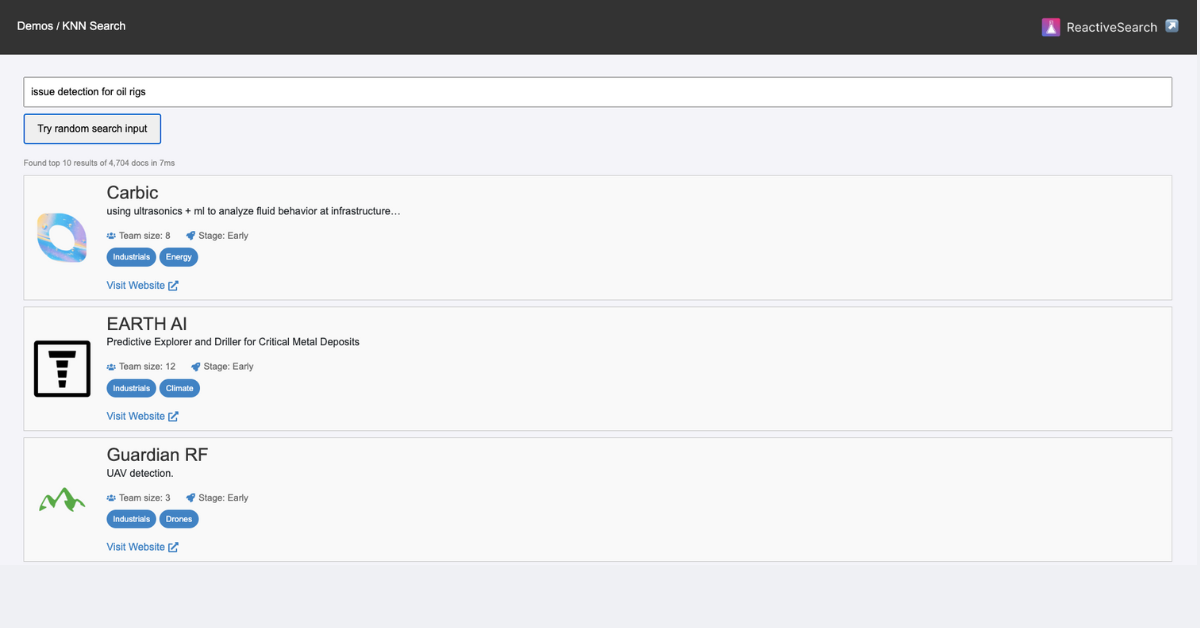
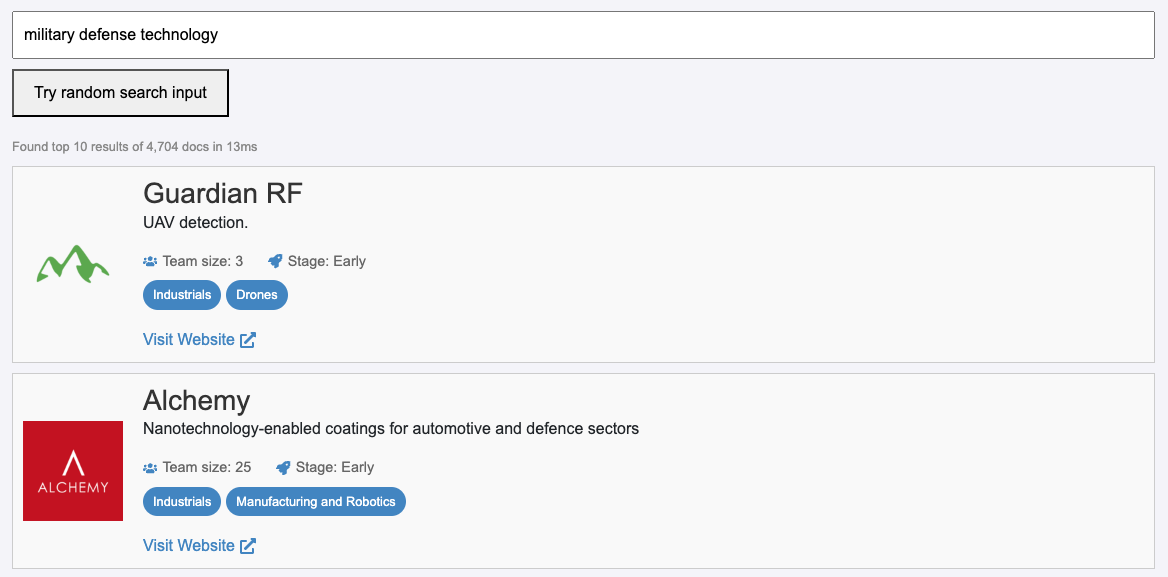
AI Search — vector search, kNN, hybrid search out of the box
Analytics — search analytics, click analytics, conversions
Access Control — API keys, Role-based access, field-level security
Speed & Caching — query caching and rate limiting
UI Builder — no-code search UI builder
Data Management — import, browse and manage your indices visually
It works with any client — React, Vue, Flutter, React Native, vanilla JavaScript, REST APIs — or the built-in no-code UI builder.

Get Started in 4 Steps
The entire stack runs with Docker. Here's how to get it up in under 5 minutes.
1. Clone and start the services
git clone https://github.com/appbaseio/reactivesearch-api-docker.git \
  && cd reactivesearch-api-docker

docker-compose -f docker-compose-with-elasticsearch.yaml up -d
This starts Elasticsearch, ReactiveSearch API, Nginx (with TLS) and Fluent Bit (for log shipping) — all with a single command.
Using OpenSearch?
Use the OpenSearch compose file instead:
docker-compose -f docker-compose-with-opensearch.yaml up -d2. Verify the service is running
curl http://localhost:8000 -u rs-admin-user:rs-password
You should see a response like:
{
  "name": "elasticsearch",
  "cluster_name": "docker-cluster",
  "version": {
    "number": "9.3.0",
    "build_flavor": "default",
    "build_type": "docker",
    "build_hash": "17b451d8...",
    "build_date": "2026-01-29T10:05:46.708Z",
    "build_snapshot": false,
    "lucene_version": "10.3.2"
  },
  "tagline": "You Know, for Search"
}
This confirms ReactiveSearch is running and connected to your search cluster.
3. Connect the Dashboard
Open dash.reactivesearch.io in your browser and sign in.

4. Start building
After signing in you'll land on the Cluster Overview — your central hub for managing indices, configuring search relevancy, building search UIs, setting up analytics and more.

Why Open Source
Open source has always been central to ReactiveSearch. Projects like ReactiveSearch UI (1M+ installs, 4.9K GitHub stars) and Dejavu (4.7M Docker pulls, 8.5K GitHub stars) have been community staples for years.
And with ReactiveSearch project having reached a maturity, it now makes sense to give it fully to the community. With the current state of AI tooling, anyone can self-host, customize and extend it without friction. This is the most complete version of ReactiveSearch, and now it's yours.
The API and UI libraries are available under the Apache 2.0 license (and MIT license for some UI libraries).
You can support the project by sponsoring ReactiveSearch on GitHub.
Resources
Quickstart Guide — Import data, preview search and build your first search UI
Create a Search Pipeline — Learn how to create a search pipeline
Build a Search UI — Hands-on demos with ReactiveSearch UI libraries
GitHub — Star the repo, fork it, contribute